
Sport
Live sport on Trex IPTV, set up for match day
Sport is where IPTV is tested hardest: thousands of viewers tune in at the same second, and nobody wants to miss a goal to buffering. Here is what the sport categories cover and how to get the steadiest picture.

Categories
Sport categories in the guide
Coverage depends on schedules and broadcasting rights, which vary by competition and change during the season. If one league matters to you, ask us before ordering.
Football (soccer)
Domestic leagues, cups and international fixtures, plus studio shows.
Basketball
Professional and international basketball across several time zones.
American football
Game days, highlights and analysis during the season.
Motorsport
Practice, qualifying and race coverage from circuit racing to rallies.
Tennis
Tournament coverage with multiple courts during big events.
Fight sports
Boxing and mixed martial arts events and build-up shows.
Cricket & rugby
International series and domestic competitions in season.
Cycling, athletics & more
Multi-sport channels for the events in between.
Match-day checklist
Thirty minutes before kick-off
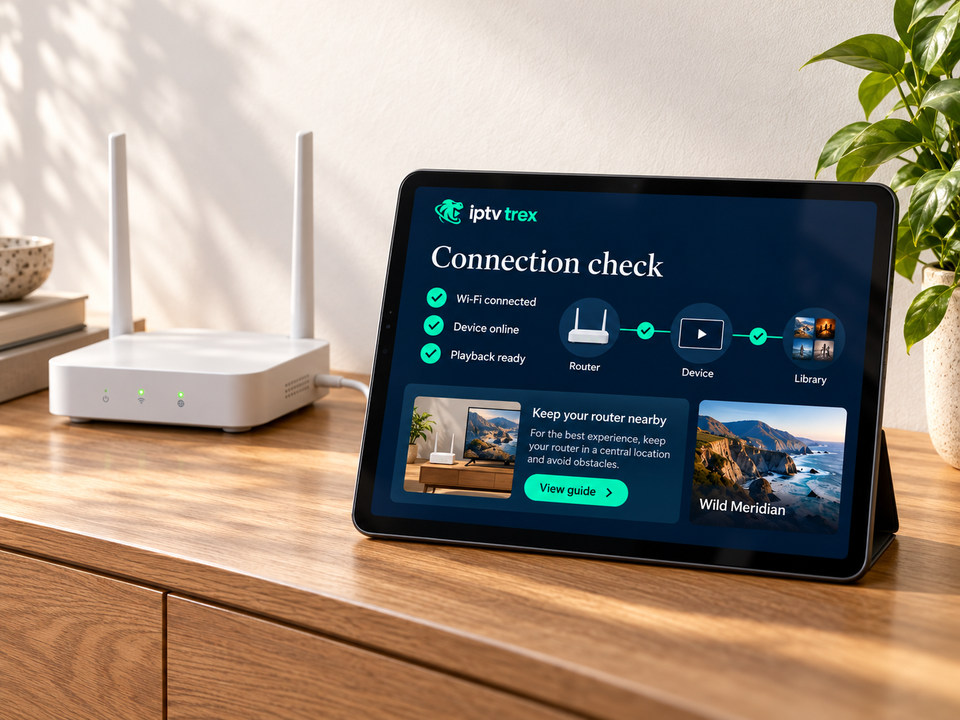
Big games bring peak traffic to every network, including yours. This short routine removes most of the risk.
Get a match-day setup check-30
Restart router and device
A fresh start clears stuck connections and memory.
-20
Go wired or 5 GHz
Plug in Ethernet if possible; otherwise sit on the 5 GHz network.
-15
Pause other downloads
Game updates and cloud backups compete for bandwidth.
-10
Open the channel early
Tune in during the build-up so any issue shows before kick-off.
-5
Have a backup channel
Add an alternative to Favorites in case one source struggles.
Honest expectations
Why streams run a few seconds behind
Every internet stream is encoded, sent in small chunks and buffered by your player before it plays. That adds a delay compared with traditional broadcast — typically several seconds, sometimes more.
It is the same for every streaming service. If the neighbors cheer before you see the goal, that delay is the reason — not a fault with your connection.
Sport FAQ
Sport questions
Will a specific match be available?
Coverage depends on schedules and broadcasting rights, which change. Ask us about a specific competition before ordering, and check it during a trial when possible.
Which device is best for live sport?
A device with an Ethernet connection — an Android TV box, Fire TV Cube or Apple TV 4K — gives the steadiest picture. On Wi-Fi, use 5 GHz and keep the router close.
The stream froze during a match. What should I do?
Switch to your backup channel, then restart the app. Afterwards, tell us the channel and the time — reports during live events help us act quickly.
Never miss kick-off
Choose a plan, or test sport at peak time with a free trial.