
Compatibility
Devices that work with Trex IPTV
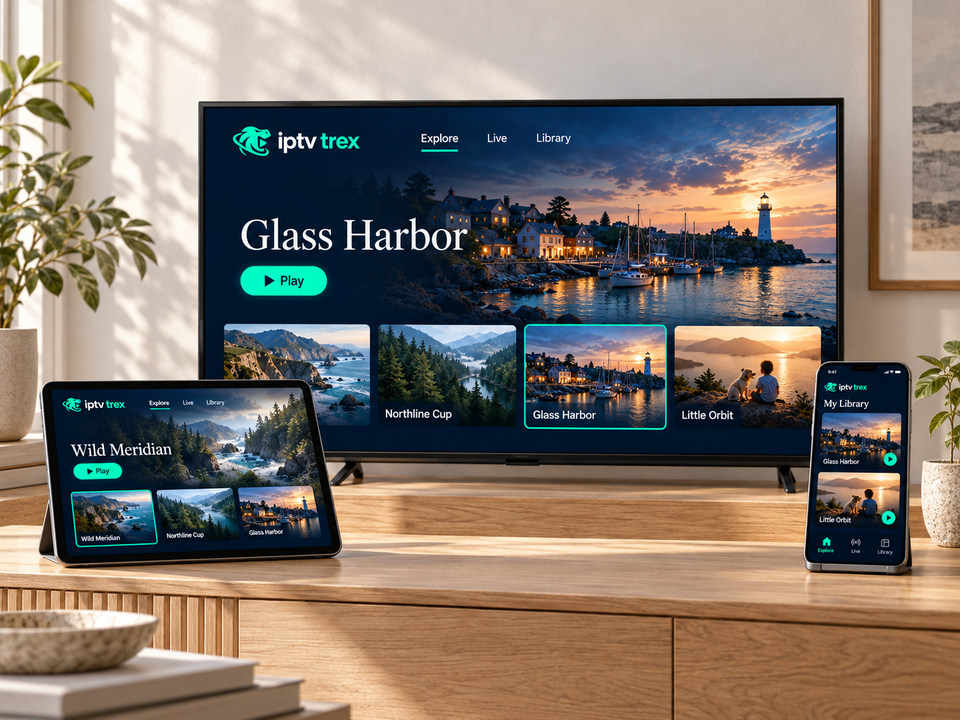
Trex IPTV plays through a player app, so it runs on most smart TVs, streaming sticks, Android and Apple devices and computers made in the last several years. Find your device, then follow its guide.
Choose yours
Pick your device for a dedicated guide
- Smart TVSamsung, LG, Android TV and Google TV sets
- Fire TV StickFire TV Stick, Stick 4K and Fire TV Cube
- AndroidPhones, tablets and Android TV boxes
- Apple TV, iPhone & iPadApple TV 4K/HD, iOS and iPadOS
- Windows & MacDesktop player apps and compatible web players
- IPTV set-top boxesMAG-style and Linux receivers using a device address
At a glance
Compatibility matrix
How each device gets its player app, which login types it handles, and how much effort the setup takes.
| Device | Where the app comes from | Login types | Setup effort | Guide |
|---|---|---|---|---|
| Samsung / LG smart TV | TV’s own app store | Playlist or device address (app-dependent) | Low | Open guide |
| Android TV / Google TV | Google Play | Login, playlist or device address | Low | Open guide |
| Fire TV Stick / Cube | Amazon Appstore or Downloader | Login or playlist | Medium | Open guide |
| Android phone, tablet, box | Google Play | Login or playlist | Low | Open guide |
| Apple TV, iPhone, iPad | App Store | Playlist or login (app-dependent) | Low | Open guide |
| Windows / Mac | Desktop player or web player | Login or playlist | Low | Open guide |
| MAG-style set-top box | Built-in portal | Device address + portal URL | Medium | Open guide |
Minimums
Requirements that make the difference
These are the practical thresholds we see on the help desk. Below them, the service may still run, but menus feel slow and live sport is more likely to stutter.
- Internet speed15 Mbps for HD · 25 Mbps+ for 4K (measured on the device)
- Smart TVsRoughly 2017 or newer, with access to the app store
- AndroidA recent Android version with Google Play; 2 GB of RAM or more for boxes
- AppleApple TV HD or 4K, iPhone or iPad on a current software version
- StorageAt least 500 MB free for the app and guide data
- NetworkEthernet or 5 GHz Wi-Fi recommended for live sport
Buying advice
Thinking of buying a device? Start here
We do not sell hardware and are not paid by any brand. This is simply what works well for our customers.
On a budget
A current-generation Fire TV Stick or an entry Google TV device plugs into any TV with HDMI and handles HD comfortably.
Fire TV Stick guideBest experience
A mid-range Android TV box with Ethernet, or an Apple TV 4K: fast menus, smooth 4K and big channel lists without slowing down.
Android box guideAlready own a recent TV
Try the built-in app store first. If the TV feels slow with a large guide, add a stick later — your subscription works on both.
Smart TV guide
Device FAQ
Compatibility questions
My device is not listed. Will Trex IPTV work on it?
Possibly. Send us the exact model on WhatsApp. If it can run a modern player app, it usually works; if not, we will suggest the cheapest reliable alternative.
Can I use Trex IPTV on Roku?
Roku devices offer very limited support for third-party IPTV players. For a reliable experience we recommend a Fire TV Stick or Google TV device instead.
Can I install Trex IPTV on several devices?
Yes. You can set it up on the TV, a phone and a tablet. How many can play at the same moment depends on your subscription, so tell us how many simultaneous screens you need.
Your device checks out? Choose a plan.
Or test it free first on the device you just picked.