
Phone and tablet
Ideal as a second screen, in the kitchen or while traveling.
- Touch controls make search and favorites quick
- Cast to a TV with a compatible player
- Mind mobile data: an hour of HD can use several gigabytes
Android guide
Android is the most flexible platform for IPTV. Every login type works, player apps come straight from Google Play, and a good Android TV box is one of the smoothest ways to watch on a big screen.
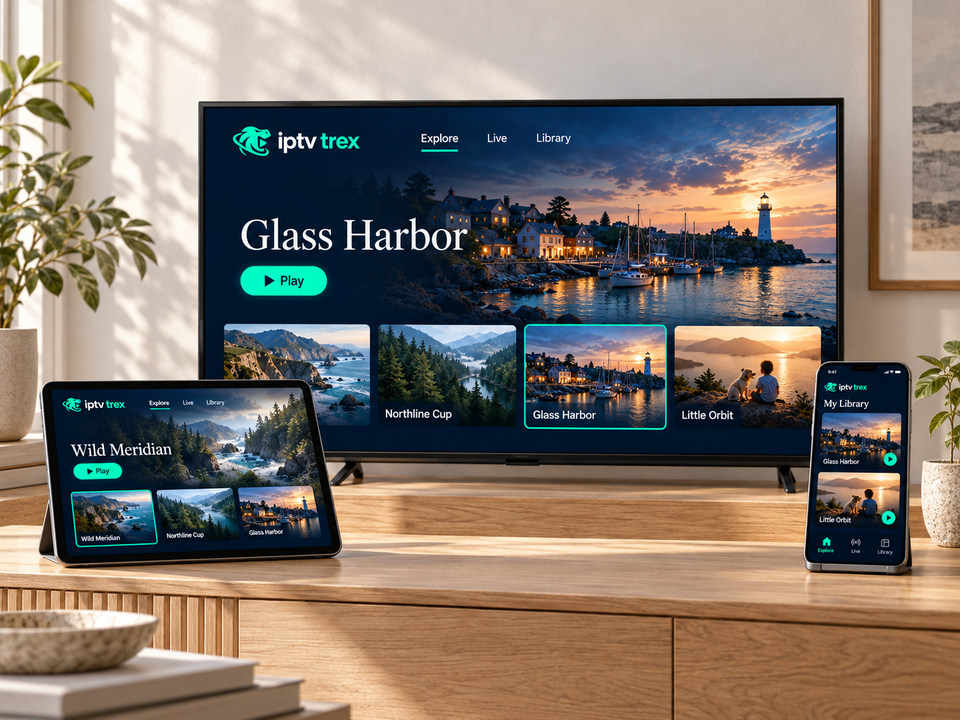
Two kinds of Android
Ideal as a second screen, in the kitchen or while traveling.
The living-room option, with a remote and a big-screen interface.
Setup
The same four steps work on phones, tablets and boxes.
Search “IPTV player”. Prefer apps with recent updates, good ratings and support for Xtream and playlist logins.
Choose “Login with Xtream Codes” or “Add playlist” and enter the details from our message.
Channels, films and the TV guide download on first launch — usually a couple of minutes.
If video stutters, switch the decoder between hardware and software in the player settings.
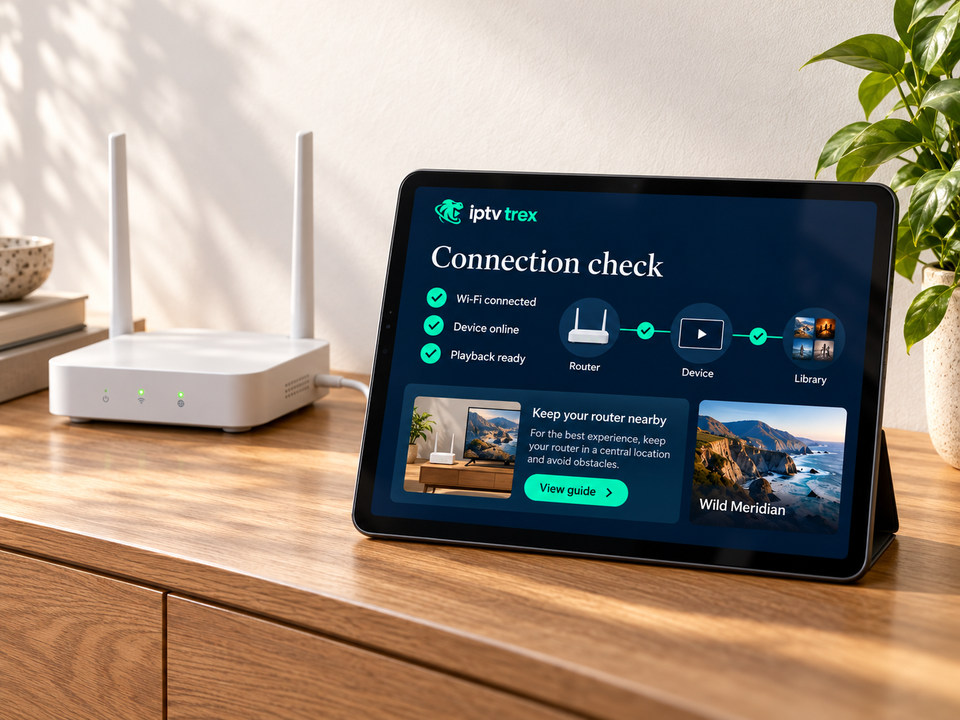
Buying a box?
Android FAQ
Any recent version with Google Play access works with current IPTV players. Very old devices may not run the latest app versions.
Many players support casting to a Chromecast or Google TV device. For long viewing, installing the player directly on the TV device gives a steadier picture.
Try switching the video decoder in the player settings, then check your connection. If only one channel fails, send us its name and the time.
Plans from 1 to 12 months, with setup help included.